

Not everyone wants to be on camera. Some people are private. Some are camera-shy. Some just want to build something without their face attached to it. All of those are valid reasons, and none of them should stop you from building a real presence on YouTube.
A faceless YouTube channel lets you do exactly that. No on-camera appearances, no personal brand built around your looks or personality, and in many cases, no studio setup. What you do need is a clear niche, decent content, and the willingness to stay consistent long enough for the algorithm to notice you. This guide walks you through the whole process, step by step, the same way you would explain it to a friend sitting across from you.
The numbers back this up. According to a 2024 report by Influencer Marketing Hub, YouTube has over 2.7 billion logged-in monthly users, and a significant portion of the platform’s fastest-growing channels use no on-camera presenter at all. Finance, history, true crime, tech tutorials, and meditation content dominate this space.
YouTube automation has made production more accessible than ever. AI tools handle voiceovers, stock footage libraries cover visuals, and free editing software has closed the gap between amateur and professional output. The barrier to entry is genuinely low right now. The window to get in before these niches saturate further is still open, but it is not unlimited.
Table of Contents
How to Start a Faceless YouTube Channel in 8 Steps
1. Choose the Right Niche

YouTube niche selection is where most people either get it right or waste six months going in the wrong direction. The best niche sits at the intersection of three things: something people actively search for, something with enough video topics to sustain a long-term channel, and something you can speak to with at least a baseline level of knowledge.
Strong performing niches for faceless YouTube channels in 2026 include personal finance, software tutorials, AI tools, history, health and wellness, and true crime. These work because the content ages reasonably well, search volume is consistent, and viewers come back for more. Pick one and commit. Jumping between topics early on is one of the fastest ways to stall channel growth.
2. Research Video Topics People Already Want
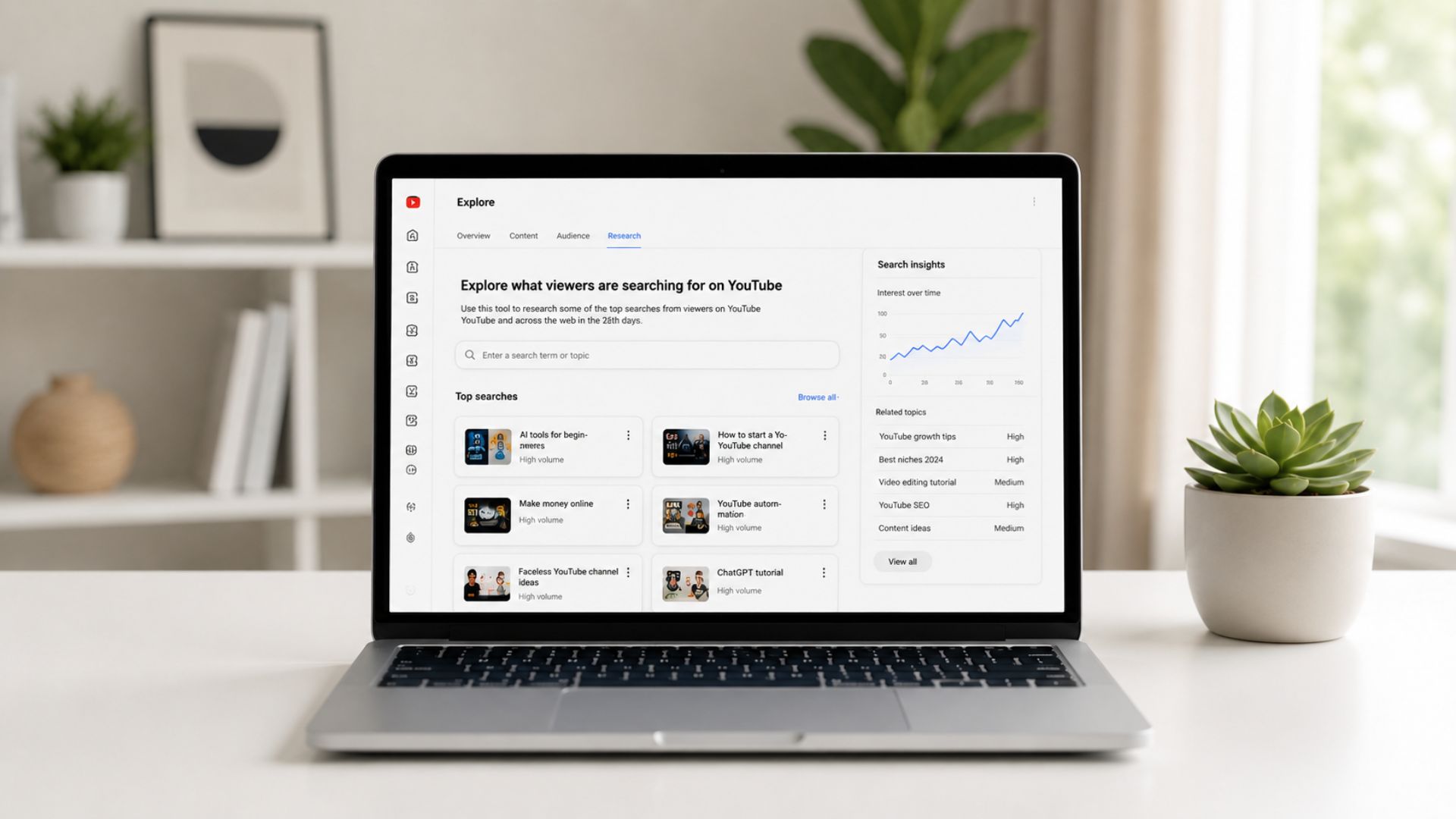
Before you plan a single video, spend time on YouTube looking at what is already performing in your niche. Sort by view count. Pay attention to titles that pull high numbers on channels that are not huge. That gap, a smaller channel with a high-view video, usually signals strong search demand.
Google Trends, TubeBuddy, and VidIQ are all useful here. The goal is to find video topics that have an existing audience searching for them, not to create demand from scratch. Working with the current is always easier than rowing against it.
3. Create a Simple Content Plan

A content calendar does not need to be complicated. A basic spreadsheet with your next ten to fifteen video ideas, a target publish date for each, and a note on the primary keyword you are targeting is enough to get started.
The most important thing is that your content strategy is consistent. One video a week beats three videos one week and nothing for the next month. YouTube rewards regularity. Your target audience also starts to expect it, and that expectation builds a return viewer habit over time.
4. Decide How You Will Make Videos

This step trips people up more than it should. For a faceless YouTube channel, your core toolkit is screen recording software, stock footage, or a mix of both, layered with audio.
For screen-based tutorials, OBS is free and works great. It handles recording cleanly and requires minimal setup. For visuals in non-tutorial videos, sites like Pexels, Pixabay, and Storyblocks give you access to royalty-free footage that covers most topics.
YouTube content creation at this level does not require expensive gear or a professional setup. A quiet room, a decent microphone, and the right software get you most of the way there.
5. Record or Generate Voiceovers
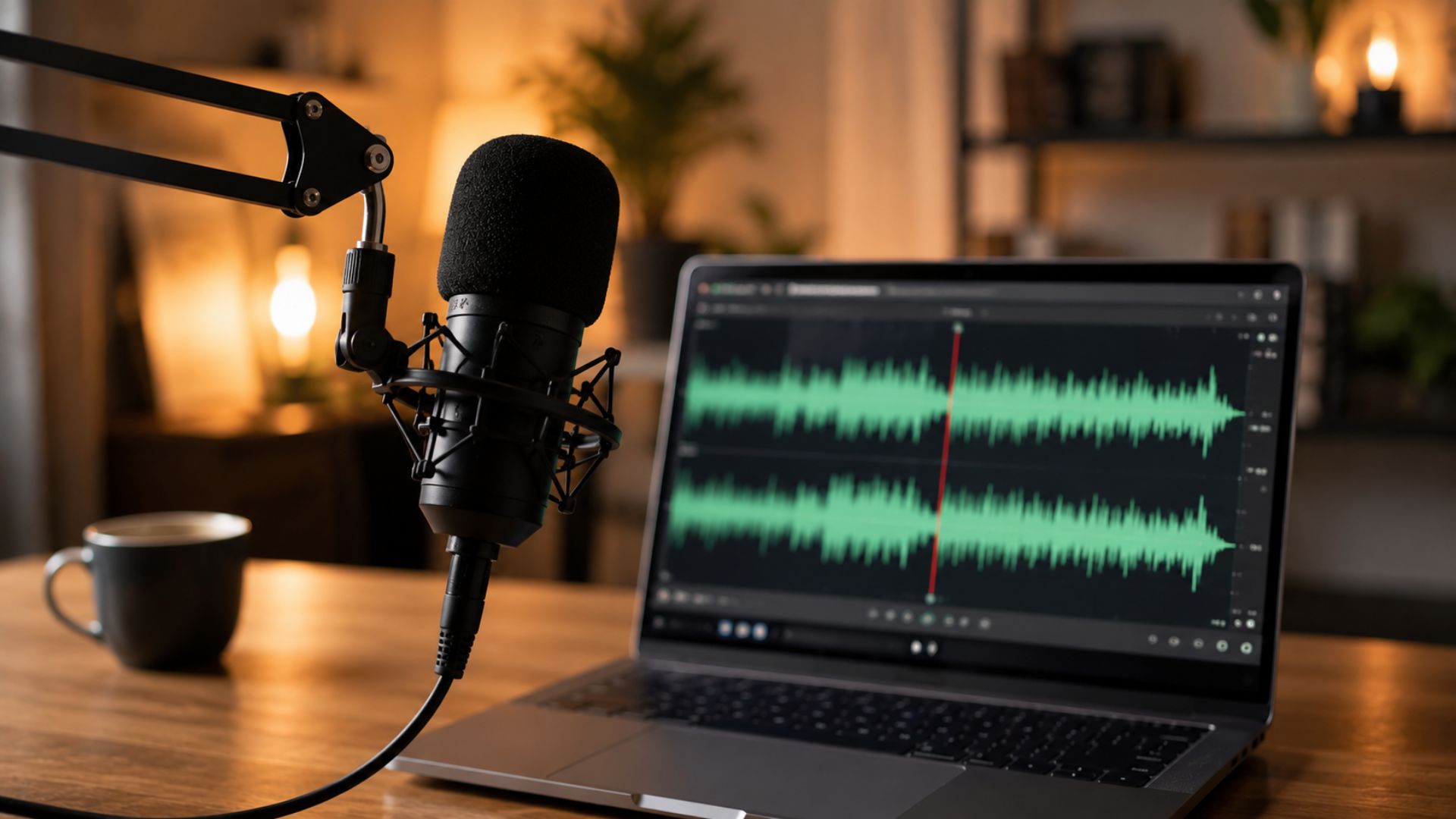
Audio quality matters more than most new creators expect. Viewers will tolerate average visuals, but a hard-to-hear or robotic voiceover will lose them fast.
You have two routes here. The first is recording your own voiceover, which consistently outperforms AI-generated audio in terms of watch time and audience retention. Explain it like you would to a friend. A helpful trick: record yourself explaining the topic on your phone first, then clean up that transcript.
It keeps the tone natural and takes the pressure off trying to write a perfect script from scratch. The second option is a voiceover tool like ElevenLabs or Murf, which have both improved significantly and work well for channels where a human voice is not part of the brand identity.
6. Edit Videos for Retention
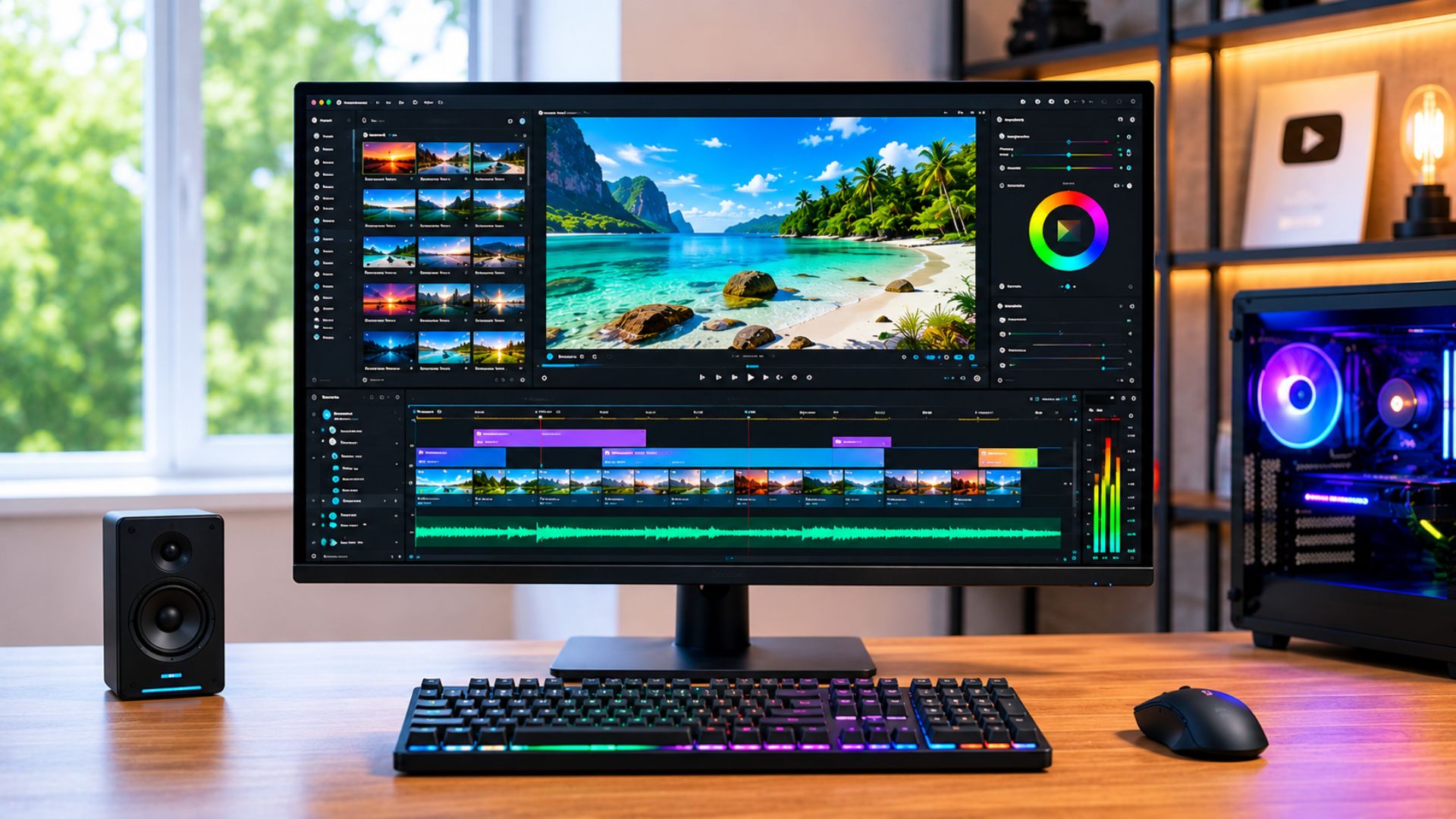
Video editing for a faceless YouTube channel is mostly about pacing. Cut anything that does not move the content forward. No long pauses, no filler, no slow intros that make people click away before you have said anything useful.
You have roughly fifteen seconds to grab attention before a viewer decides whether to stay or leave. The top-performing creators in this space start with the problem right away. Something like: “Excel keeps crashing when you work with large files? Here’s how to fix it.” That kind of open tells the viewer immediately that they are in the right place. CapCut, DaVinci Resolve, and Adobe Premiere are all solid options depending on your budget and comfort level.
7. Optimize Titles and Thumbnails
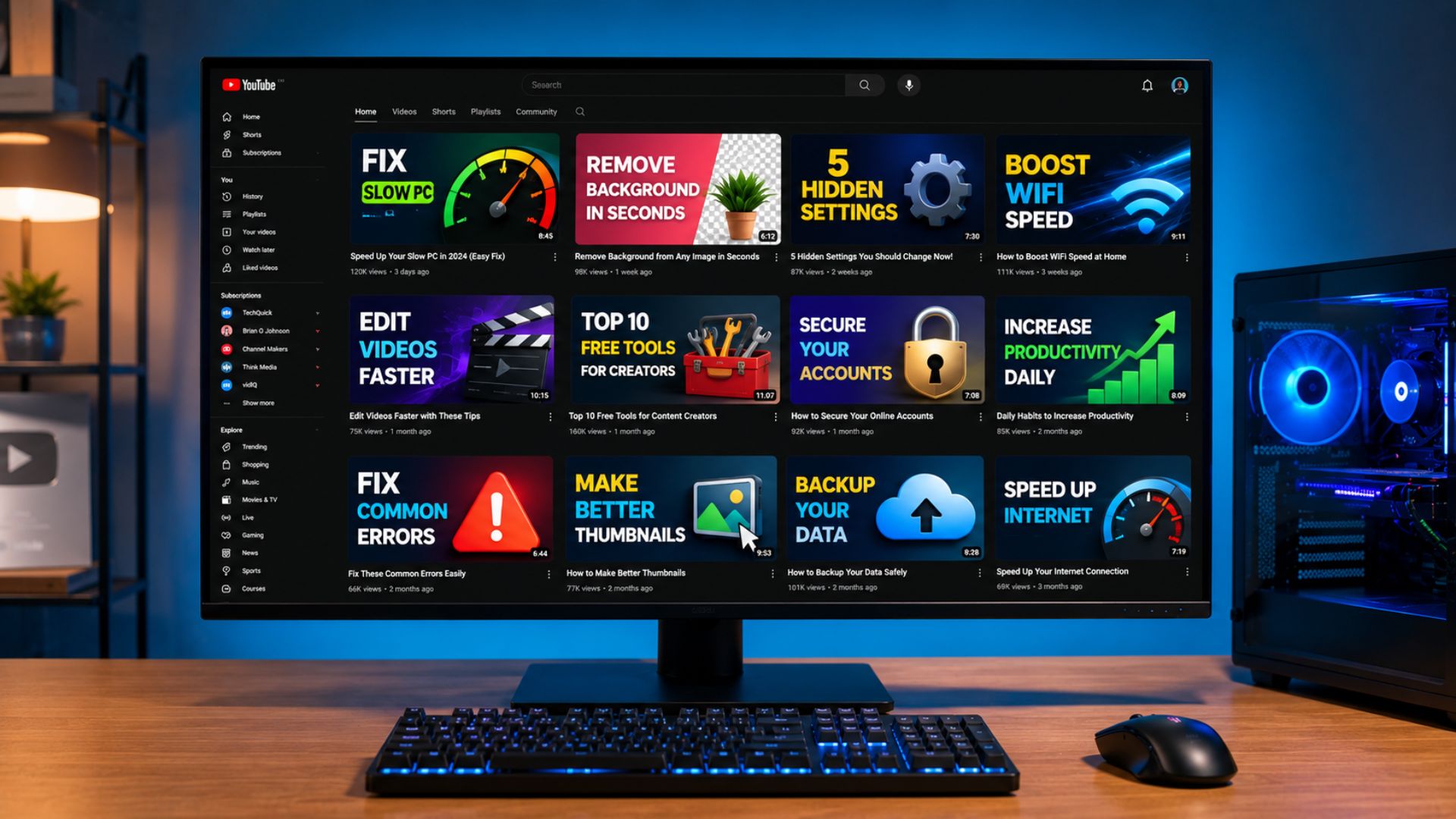
Thumbnail design and title writing are their own skills, and they are worth taking seriously. Your thumbnail is competing with dozens of others on a screen. It needs a clear focal point, readable text if you use any, and a strong visual contrast.
Titles should be direct and search-friendly. Lead with the outcome or the problem being solved. Keep it under sixty characters so it does not get cut off in search results. Test different approaches and look at click-through rate in your analytics to see what resonates.
8. Publish Consistently and Learn From Analytics
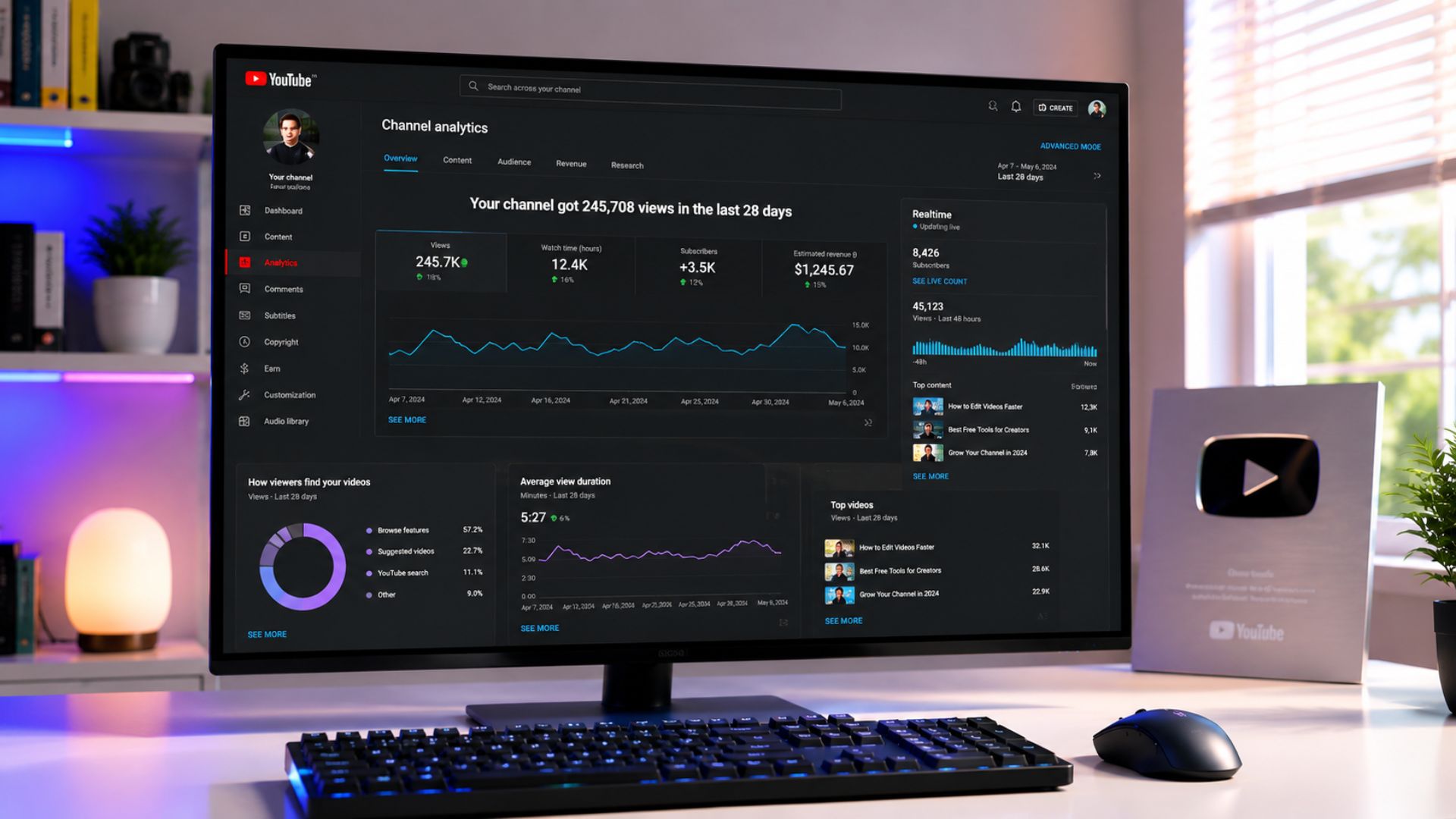
The first twenty videos on any faceless YouTube channel are mostly data collection. You are learning what your audience responds to, which topics pull the most watch time, and where people stop watching. That information is more valuable than any general advice out there.
Pay attention to average view duration and click-through rate above everything else. These two metrics tell you whether your thumbnails are working and whether your content is holding people once they click. Passive income from YouTube becomes realistic once you hit the monetization threshold of 1,000 subscribers and 4,000 watch hours, but the channels that get there fastest are the ones that use their own analytics to course-correct early.
How Long Does It Take to Make Money From a Faceless YouTube Channel?
Realistically, most channels hit the YouTube Partner Program threshold somewhere between six months and eighteen months, depending on niche competition, upload frequency, and content quality. Video monetization through AdSense is the entry point, but the real earning potential on a faceless YouTube channel comes from layering in affiliate marketing, digital products, and sponsorships once the audience is established. Channels in high-value niches like finance or software can earn significantly above average CPM rates.
Wrapping Up…
How to start a faceless YouTube channel is a straightforward process once you break it down into the right sequence. Pick a niche, plan your content, build a simple production workflow, and publish consistently enough that the algorithm has something to work with. The creators who grow a YouTube channel without ever appearing on camera are not doing anything magical. They are just executing the basics better and longer than the people who quit early. Start with one video. Make the next one better.